
New-patient check-ups
Capture a request for a first appointment, the preferred practice, suitable days or times and a callback number. Share your approved new-patient process without promising an available slot.
For dental clinics
Help the patient on the phone while your reception team looks after the patient at the desk. Capture new-patient enquiries, appointment-change requests and administrative questions with the details your team needs to follow up.
Keep your existing practice number. Assisted setup. Your team stays in control of the appointment book and clinical decisions.
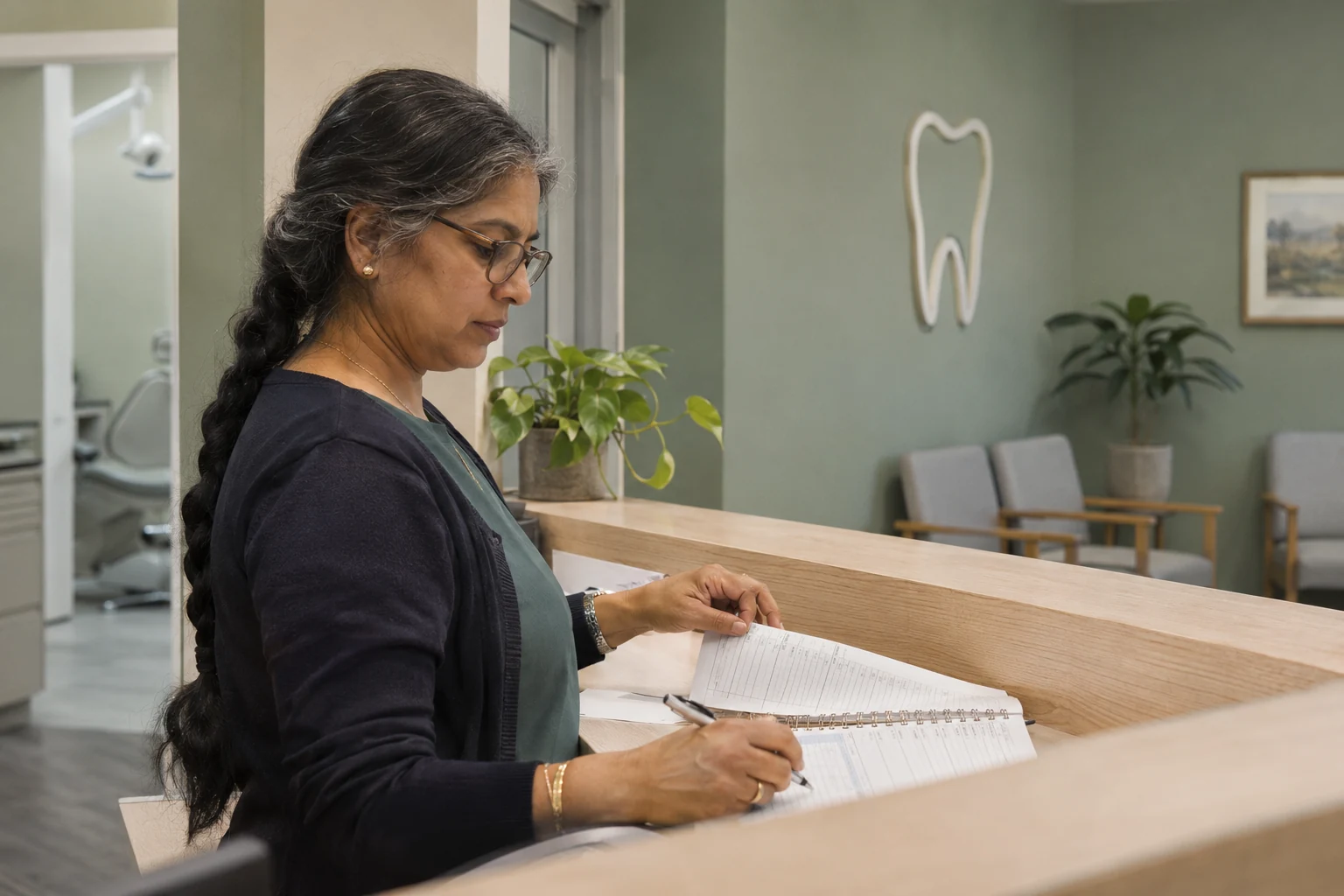
Checking patients in, taking payments and helping someone at the desk can make it difficult to answer another call. There247 can answer during those busy periods or after closing, explain your approved practice information and pass on a clear request.
Your team can see whether the caller is a new or existing patient, which practice they need and what administrative action they are requesting.
Capture a request for a first appointment, the preferred practice, suitable days or times and a callback number. Share your approved new-patient process without promising an available slot.
Record the appointment date and time supplied by the caller, whether they want to cancel or reschedule, and their preferred alternative. Reception checks the appointment book and confirms the outcome.
Record which appointment or clinician the caller is asking for. If they are unsure what they need, pass the question to the practice rather than selecting a treatment or appointment length.
Explain approved examination fees, offer inclusions and payment options. Refer individual treatment estimates, insurance questions and funding eligibility to the appropriate staff member.
When someone asks about tooth pain, a dental injury or care after treatment, follow your approved clinical contact instructions. The assistant does not assess symptoms or give dental advice.
Answer questions about your address, parking, step-free access and reception hours using information you supply. For practices with several locations, confirm the branch before passing on an enquiry.
Provide your new-patient process, services offered at each location, dentist and hygienist information, opening hours and cancellation policy. Include any approved instructions about forms or what patients should bring.
Supply current published fees, what each offer includes, payment information and the correct contact for each type of enquiry. Set separate instructions for routine reception messages and clinical concerns, including after hours.
There247 uses the information you approve. A supplied fee list or appointment procedure does not provide live access to your practice management system, patient records or appointment book.
Illustrative written scenarios, not recordings or patient testimonials. Names and appointment details are fictional. Example summaries show the intended information; actual delivery format depends on your setup. Callback details are omitted from these public examples.
Caller: “I’ve just moved here. Can I book a check-up, and what would the first visit cost?”
AI assistant: “I can explain the practice’s published first-visit information and pass on an appointment request. Reception will confirm the appointment and applicable fee. Are you looking for a particular day?”
Caller: “Tuesday or Thursday morning would suit me.”
Follow-up: Ask for the caller’s name and callback number one question at a time. Confirm the preferred practice if there is more than one location. Answer the fee question only from the current approved information; otherwise include it in the reception request.
Capture: New-patient status, request for a check-up, preferred practice, suitable times, fee question and callback details.
Next step: Reception checks availability, explains the applicable first-visit fee and confirms the booking with the caller.
“Hi, this is your There247 AI assistant. I have Alex Morgan on the line, a new patient asking for a check-up on a Tuesday or Thursday morning. Alex would also like to confirm the first-visit fee. Can I connect you?”
Caller: “I can’t make my hygienist appointment on Thursday. Could I come on Friday afternoon instead?”
AI assistant: “I can pass that request to reception. What date is your current appointment?”
Caller: “Thursday 26 November, at 10 am.”
AI assistant: “Thank you. Are you asking for Friday 27 November in the afternoon?”
Follow-up: Confirm the caller’s name and callback number, then read back the requested change. Explain that reception must check the diary and confirm it; the assistant has not changed the appointment.
Capture: Caller name, hygienist appointment, current date and time as reported by the caller, requested alternative and callback details.
Next step: Reception verifies the appointment, checks the hygienist’s availability and contacts the patient with the outcome.
The assistant captures the request and explains your approved reception hours and follow-up process. It does not promise that the appointment has been moved, that cancellation fees will be waived or that a staff member will call at a particular time.
SMS summaries are included with every plan. Email options and plan inclusion are confirmed during setup. Warm transfers are available on Premium and Business, subject to your routing rules and staff availability. If a transfer is not accepted, the assistant follows the fallback agreed with your practice.
A caller reporting tooth pain, a dental injury or a concern after treatment needs your practice’s approved clinical contact route. These calls should not be treated as ordinary appointment-change messages.
Agree what the assistant should say, which staffed number it may transfer to and what to do if nobody answers or the practice is closed. Any after-hours or emergency directions must be supplied and approved by your practice.
The assistant does not diagnose, assess clinical urgency, recommend treatment or medication, or reassure someone that it is safe to wait. It should not ask callers for a detailed symptom history.
Keep administrative summaries limited to the information needed for follow-up. Agree how volunteered health information is handled and which staff may receive it. Do not use routine enquiry messages to disclose patient records or treatment information.
Gather location details, reception hours, new-patient procedures, published fees, offer conditions and cancellation rules. Identify who will keep this information current.
Choose when There247 answers, who receives administrative enquiries and when a warm transfer is appropriate. Approve the greeting, AI disclosure, transcription and summarisation notice, and clinical contact instructions.
Test a new-patient fee question, a hygienist appointment change, a cancellation, a clinical-contact request and an unanswered transfer. Check the captured details and actual receipt of notifications.
The current service captures requests for your team to action. It does not read or update your live appointment book. Reception verifies the details, makes any agreed change and confirms the outcome with the patient.
It can record which appointment or clinician the caller requests and use your approved descriptions of services. It does not decide which treatment the patient needs, whether treatment is suitable or how much clinical time to allocate.
Yes, using current information approved by your practice, including relevant conditions and exclusions. It should refer individual treatment estimates, funding eligibility, insurance cover and account-specific questions to your team.
The assistant follows your approved clinical contact instructions, including the agreed after-hours route. It does not provide dental advice, conduct symptom triage or tell the caller that waiting is safe.
Yes. Keep your existing practice number and agree the coverage you need. Available forwarding options depend on your phone provider; we help you configure and test the routing during setup.
Your seven days start once call forwarding is configured and your There247 service is activated. We help configure and test call handling first. No credit card is required to start.
Tell us when reception is busiest, what patients ask and how your team wants enquiries handed over. We help configure and test the service around your practice’s procedures.
Your plan, included services, allowances and any usage or phone-provider forwarding charges are confirmed before you subscribe.
| Top |
Turn your calls into business.
New Zealand based. Helping businesses answer calls, capture enquiries and get them to the right people.
AI call answering is available 24/7. Our team usually responds to sales and setup enquiries the same New Zealand business day.
Calls to us may be answered by There247, an AI call answering service, and may be transcribed and summarised so our team can follow up.