
> Home > Use Cases > By Business Need > Overflow calls

Use cases by need

Overflow answering service for busy teams

Keep answering when your team is already on the phone. There247’s AI overflow answering service handles extra inbound calls while your team finishes the conversations already underway. Give callers approved answers, capture useful enquiry details and send them to the right team.

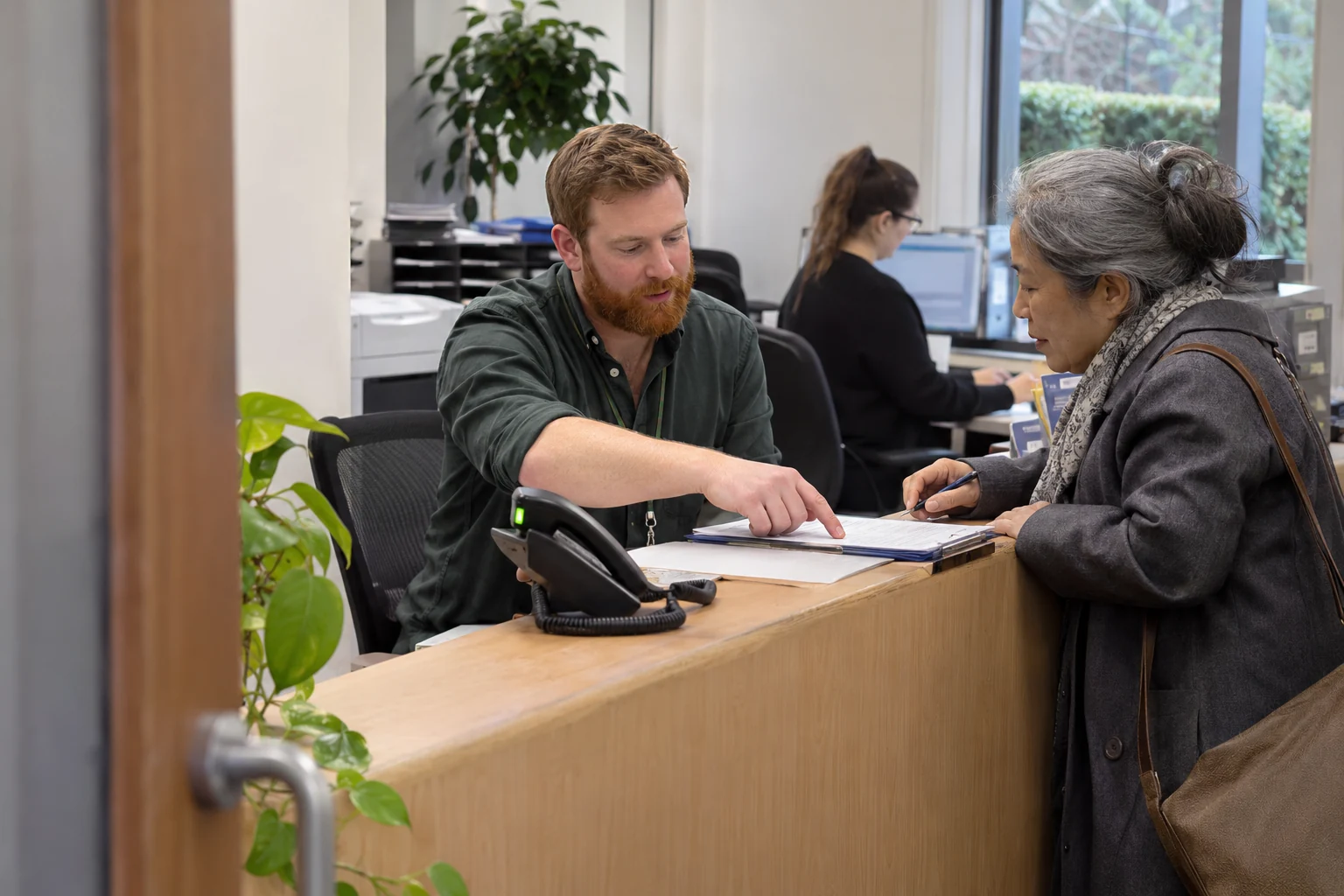
Reception team member helping a visitor during a busy period

Hear There247 in action

Overflow calls in practice

Hear the caller explain what they need, the questions Sofie asks and how the enquiry reaches the team.

Recording coming soon

For now, explore the written example or request a demonstration with your business details.

When this is useful

Useful for busy reception desks, support teams, retail counters and contact centres. Seasonal demand, opening-time peaks and staff absences can all leave callers waiting even when a team is well organised.

How the call is handled

1. Choose when calls reach There247

Keep your existing business number and agree when calls should reach There247. Depending on your phone system and provider, this may include forwarding when your line is busy or when a call is not answered within a set time. Confirm the available options, any forwarding charges and how queues or voicemail affect routing, then test the setup before going live.
2. Answer with business context

Load approved FAQs, service information and routing rules. Sofie asks follow-up questions when the request needs clarification and keeps answers relevant to the caller.

3. Keep follow-up organised

Route summaries to the responsible team. Use warm transfers only when a person is available and the call qualifies under your rules; otherwise give the approved next step.

See the handoff in practice

These fictional examples show the information your team could receive. Names, references, addresses and masked callback numbers are examples only. SMS, email and warm introductions are alternatives determined by your rules; warm transfers require Premium or Business.

Product compatibility when the catalogue is incomplete

Retail stores

“Will the replacement blade for the current mower fit my older model?”

There247 asks: What model number is on your mower? Sofie also confirms the caller’s name and callback number when a handoff is needed.

Captures: Caller name, mower model, requested part and callback number.

Next step: Send the model and part details to the hardware team when the approved product guide does not confirm compatibility.

What your team could receive

Example SMS

Sam Example asks whether the current replacement blade fits mower model DEMO-M42. The product guide does not list this model. Hardware team to check compatibility. Callback: 021 XXX 0044. Send the model and part details to the hardware team when the approved product guide does not confirm compatibility.

Example email

Subject: Product compatibility when the catalogue is incomplete

Body: Sam Example asks whether the current replacement blade fits mower model DEMO-M42. The product guide does not list this model. Hardware team to check compatibility. Callback: 021 XXX 0044.

Follow-up: Send the model and part details to the hardware team when the approved product guide does not confirm compatibility.

Example warm introduction — if available

“Hi, this is Sofie from There247. I have Sam Example on the line asking if the current replacement blade fits mower model DEMO-M42. Your product guide does not confirm that combination. Can I connect you now?”

App sign-in issue

Technical support helpdesks

“I can’t sign in to the scheduling app after the update.”

There247 asks: What error do you see, and is anyone else on your team affected? Sofie also confirms the caller’s name and callback number when a handoff is needed.

Captures: Caller name, organisation, affected app, error, scope and callback number.

Next step: Send the issue to the service desk for account support.

What your team could receive

Example SMS

Jamie Example at Sample Services sees “Sign-in unavailable” in the scheduling app after an update. One user affected. Callback: 021 XXX 0027. Send the issue to the service desk for account support.

Example email

Subject: App sign-in issue

Body: Jamie Example at Sample Services sees “Sign-in unavailable” in the scheduling app after an update. One user affected. Callback: 021 XXX 0027.

Follow-up: Send the issue to the service desk for account support.

Example warm introduction — if available

“Hi, this is Sofie from There247. I have Jamie Example from Sample Services on the line. They’re seeing a sign-in error in the scheduling app and say one user is affected. Can I connect you now?”

What to agree before going live

  1. List common questions that can be answered from approved information.
  2. Agree which enquiries need a callback and which should be offered a transfer.
  3. Define notification recipients for sales, support and branch enquiries.
  4. Confirm forwarding behaviour with your phone provider, including any existing queues or voicemail.
  5. Test simultaneous calls and the return-to-human path with your actual phone setup.

Common questions

Do we need to replace our existing phone team?

No. Your team can continue answering calls while There247 handles the calls routed to it.

Can callers get product or policy answers?

Yes, from the information you supply and approve. When that information does not answer the question, the enquiry can go to your team for checking.

Will this automatically change our phone system?

No. Call forwarding or routing must be configured through your phone provider or phone system. We help you agree when There247 should answer, but busy-line and unanswered-call forwarding depend on the options your provider supports. Test both situations, including any existing queues or voicemail, before relying on the service.

Try it with the calls your business receives

Tell us about your services, hours, knowledge sources and call-handling rules. Keep your existing business number and agree when There247 should answer.

Top