
> Home > Use Cases > By Industry > Hotels

For hotels and accommodation providers

AI call answering for hotels and accommodation

Give callers a helpful response while your front desk welcomes guests. Capture room enquiries, late-arrival requests and booking questions, and route in-stay concerns to the right person.

Keep your existing business number. Assisted setup for hotels, motels, lodges and serviced apartments.

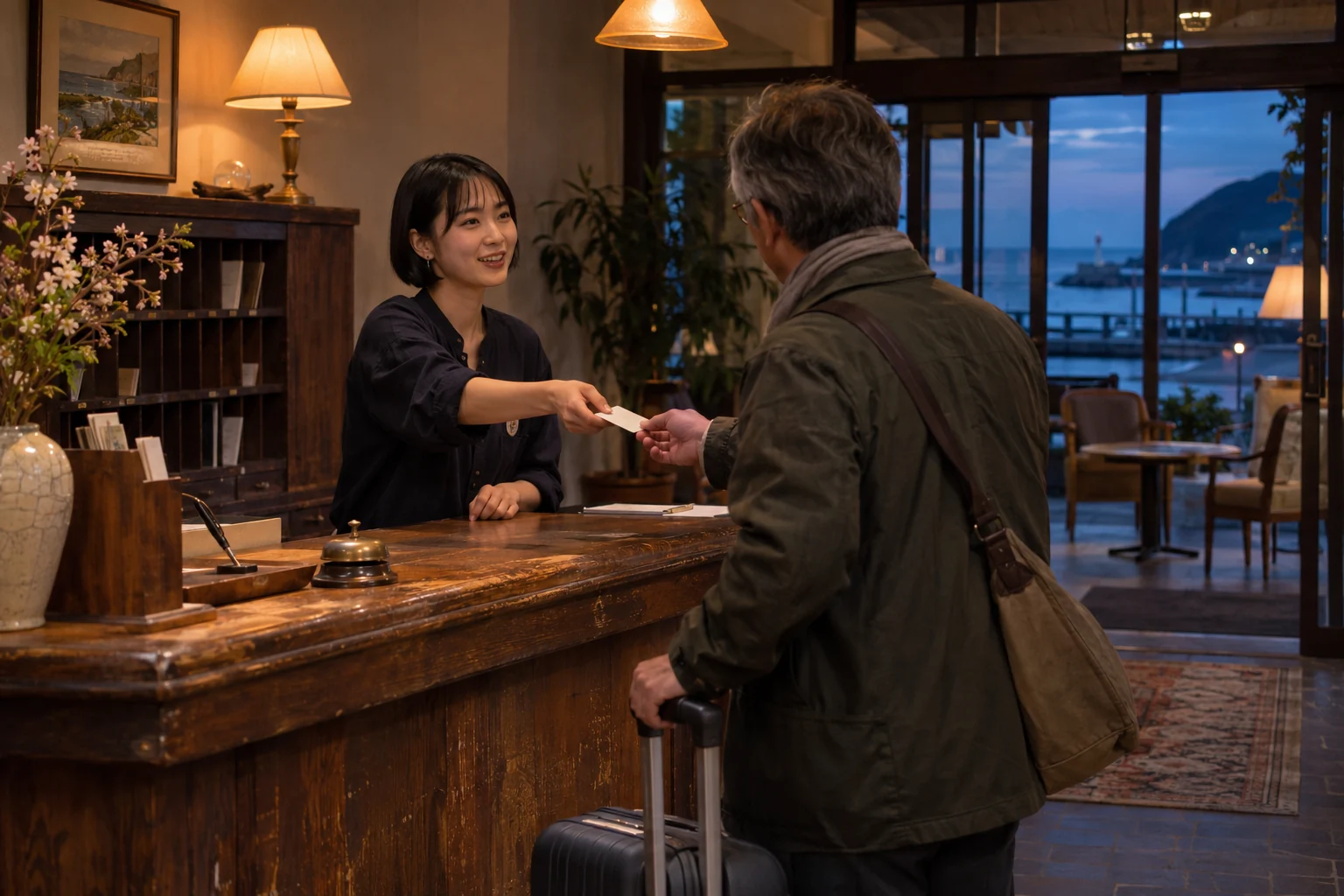
Hotel host giving a guest a key card at the front desk

Keep guest enquiries moving while reception is busy

A caller asking about parking needs a different response from a guest arriving after reception closes. There247 answers from your approved property information and captures the details your reservations or duty team needs to follow up.

Room and group enquiries

Capture arrival and departure dates, guest numbers, room or apartment requirements and bedding preferences. For groups, add the approximate room count and organiser's contact details so reservations can prepare a suitable response.
Late arrivals and pre-arrival questions

Record the property, booking name, reference and expected arrival time. Answer approved questions about parking, luggage storage and reception hours, and refer individual late check-in arrangements to staff.

Booking changes and cancellations

Capture the existing stay dates, requested change and whether the booking was made directly, through an online travel agent or through another agency. Follow your process for the relevant booking channel.

Help during a stay

Distinguish routine housekeeping requests from access problems or faults needing prompt staff attention. Give the duty team the property, room number, reported issue and a way to contact the guest.

Answers that reflect the property guests have booked

Your facilities and arrival information

Supply check-in and check-out times, reception hours, parking arrangements, breakfast times, luggage storage and published room features. Include details such as parking height restrictions, step-free access or kitchen facilities where relevant and verified.

Early check-in, late check-out, a particular room configuration or a reserved parking space still needs staff confirmation when it depends on availability.

Your reservations and duty contacts

Agree which enquiries go to reservations, reception or the duty manager. If you manage several properties, confirm the property early and use its own hours, instructions and contacts.

Set a fallback for unanswered transfers and keep the duty roster current. Separate ordinary booking enquiries from issues involving a guest already on site.

There247 uses the information you supply. It does not have live access to your property management system, room inventory, channel manager or guest folio.

From a guest's call to a useful handover

Illustrative written scenarios, not recordings or customer testimonials. Property names, dates and references are fictional. Example messages show the intended information, not a guaranteed delivery format.

A delayed flight and arrival after midnight

Caller: “Our flight is delayed. We're booked for 12 December, but we won't reach Harbour View Lodge until about half past midnight.”

AI assistant: “Just to confirm, you expect to arrive at 12:30 am on 13 December, for the stay beginning on 12 December. What name and reference is the booking under?”

Follow-up: Confirm the booking channel, callback number and whether the guest has already received late-arrival instructions. Read back the arrival date and time using the property's local time.

Next step: Ask the property's team to confirm late check-in arrangements. A message does not itself change the booking or confirm that access has been arranged.

Example SMS

Harbour View Lodge: Alex Morgan, booking DEMO-104, expects 12:30 am arrival on 13 Dec for stay starting 12 Dec. Needs late check-in arrangements. Callback number captured. Please follow up.

Example email

Subject: Late arrival across midnight — Harbour View Lodge

Guest: Alex Morgan
Booking: DEMO-104, booked directly
Stay starts: 12 December
Expected arrival: 13 December, 12:30 am, property local time
Reason: Delayed flight
Instructions: Guest reports none received
Contact: Callback number captured and read back

Action: Verify the reservation and contact the guest to confirm the late-arrival process. No access code shared or booking change confirmed.

Example warm introduction, when appropriate

“Hi, this is Chloe, your AI assistant. I have Alex Morgan, who says they have a booking starting on 12 December. Their flight is delayed and they expect to reach the lodge at 12:30 am on 13 December. They need late check-in arrangements confirmed. Can I connect you?”

A family needs the right room configuration

Caller: “We're two adults and two children. Do you have a two-bedroom apartment for three nights? We need separate beds for the children.”

AI assistant: “What are your arrival and departure dates, and how old are the children? I'll include the separate-bed requirement for the reservations team to check.”

Follow-up: Confirm the property and ask about any essential room features the caller needs. Capture a callback number; collect an email address if the caller wants a written response.

Next step: Reservations checks occupancy limits, bedding configuration, availability and the total rate. The enquiry does not hold a room.

Example SMS

Harbour View Lodge: family enquiry, 8–11 Jan. Two adults, children aged 8 and 12. Requests two-bedroom apartment with separate beds for children. Callback number captured. Reservations to check availability and price.

Example email

Subject: Family apartment enquiry — 8–11 January

Property: Harbour View Lodge
Arrival / departure: 8 January / 11 January; year confirmed with caller
Guests: Two adults and two children, aged 8 and 12
Requested accommodation: Two-bedroom apartment
Essential bedding request: Separate beds for the children
Contact: Callback number captured and read back

Action: Confirm a suitable configuration, availability and total price, including any applicable extra bedding charges. No room held or rate quoted.

A guest reports a room door that will not lock

Caller: “We're in room 214. The door closes but it won't lock, and we need to go out.”

AI assistant: “Which property are you staying at, and what number can the duty manager reach you on? I'll try to connect you under the property's arrangements for room access issues.”

Follow-up: Confirm the guest's name and room number, capture the reported problem and follow the property's priority routing. Avoid delaying the handover with unrelated booking questions.

Next step: Attempt the configured duty-manager transfer where enabled. If it is not accepted, follow the agreed fallback and tell the caller what happens next without promising an attendance time.

Example SMS

Priority guest issue: Harbour View Lodge, room 214. Guest reports door closes but will not lock; wants to go out. Callback number captured. Duty team to contact guest and arrange assistance.

Example email

Subject: Room security issue — Harbour View Lodge, room 214

Location: Room 214, Harbour View Lodge
Reported issue: Door closes but will not lock
Guest's immediate need: Wants to leave the room and needs it secured
Contact: Guest name and callback number captured

Action: Duty team to assess the issue and contact the guest. No repair, room move or response time promised.

Example warm introduction, when appropriate

“Hi, this is Chloe, your AI assistant. I have a caller who says they are staying in room 214 at Harbour View Lodge. They report that the door will not lock and need help before going out. Can I connect you?”

SMS enquiry summaries are included with every plan. Email options and plan inclusion are confirmed during setup. Warm transfers are available on Premium and Business, subject to your routing rules and staff availability.

Keep reservation and guest-access decisions with your team

Your staff confirm room availability, rates, upgrades, refunds, cancellation charges and booking changes. The assistant can explain approved general policies, but it cannot determine which rate conditions apply to an individual reservation from a caller's description alone.

Staff verify guests before providing restricted arrival instructions, room codes or replacement access. The assistant should not disclose whether another person is staying at the property or reveal their room number. Collect only the details needed for follow-up; payment card details and identity documents belong in your approved secure process.

Configure an AI greeting and your approved transcription and summarisation disclosure. Agree how immediate safety concerns are handled; a routine enquiry message is not an emergency response service.

Set up around your front desk and duty team

1. Prepare property information

Provide current facilities, arrival procedures, public policies and booking-channel instructions. Identify information that needs staff verification and name someone to maintain it.

2. Agree coverage and routing

Choose busy-period, after-hours or wider call coverage. Check forwarding with your phone provider and agree reservations contacts, duty coverage and the unanswered-transfer fallback.

3. Test real guest situations

Test an arrival across midnight, a room-configuration enquiry, a third-party booking change and a room access problem. Check captured dates, property selection, summary delivery and an unanswered transfer.

Questions from hotels and accommodation providers

Can it check availability or make a hotel booking?

It captures accommodation requests for your reservations team to check and confirm. Live booking and scheduling integrations are not included in the current service. It cannot reserve a room, update your property management system or quote a live rate.

Can it help guests who booked through an online travel agent?

Yes. It can record the booking channel, reference, stay dates and requested change, then explain your approved process. Where a change must go through the booking provider, it can direct the caller accordingly. It does not cancel the booking, waive charges or confirm a refund.

What about late check-in or late check-out?

It can share public procedures and capture the guest's requested time. Staff confirm individual arrangements, availability and any fees. Restricted access information goes through your guest-verification process.

Can it answer accessibility and room-feature questions?

It can share verified details you provide, such as step-free entry or lift access. It should record the features the caller needs and refer unconfirmed suitability or availability questions to staff, without asking for unnecessary medical information.

Can we use it for several properties or only outside reception hours?

Discuss your coverage and property-specific routing during setup. Supply a clear way to identify each property, its own information and a current duty contact. Test the actual phone forwarding and fallback before activation.

When does our seven-day free trial start?

The seven days begin once call forwarding is configured and your There247 service is activated. We help configure and test your call handling first. No credit card is required to start.

Try it with the calls your guests make

Tell us about your property, busiest arrival periods and after-hours arrangements. We help configure and test call handling around your guest enquiries and staff handovers.

Your plan, included services, allowances and any usage or phone-provider forwarding charges are confirmed before you subscribe.

Top