
Home and business lockouts
Capture the address and suburb, affected entrance, what the caller reports and their callback number. Distinguish keys left inside, lost keys and a lock that will not operate, without attempting a diagnosis.
For mobile locksmiths, workshops and locksmith teams
Keep answering enquiries while you are working on a lock, serving a customer or travelling between jobs. There247 captures lockout requests, planned lock work and automotive enquiries, then follows your agreed handoff to the right person.
Keep your existing business number. Assisted setup. Your team confirms job suitability, pricing and attendance.
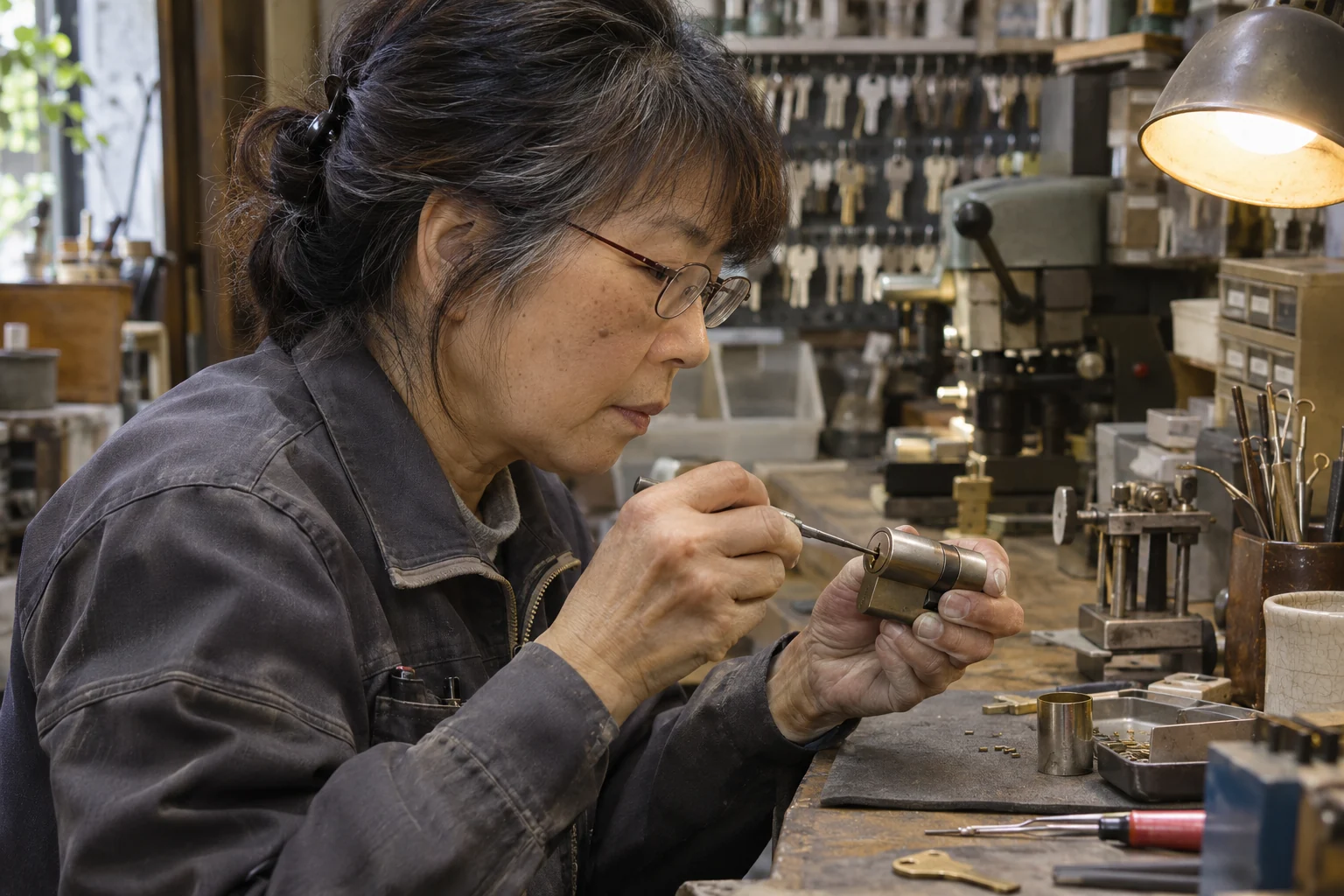
A customer locked out of a shop needs a different conversation from someone ordering a spare car key or planning a change of locks. Configure There247 around the work your business actually undertakes.
Capture the address and suburb, affected entrance, what the caller reports and their callback number. Distinguish keys left inside, lost keys and a lock that will not operate, without attempting a diagnosis.
Record the property type, approximate number of locks, reason for the request and preferred timing. Capture whether the customer wants old keys to stop working or is asking about replacing the hardware.
Record the affected door or lock and the reported problem, such as a key that will not turn or a door that will not lock. Pass the caller's description to your team to assess the work and required attendance.
If you offer automotive services, capture the vehicle make, model, year if known and location. Establish whether keys are locked inside, all keys are lost, or the customer still has a working key and wants a spare.
Capture the business or managing agency, site address, work-order reference and contact person. Route enquiries about master-key systems, restricted keys or access control to the appropriate specialist, where these services are offered.
Take messages about an existing quote, job or key order. Answer approved questions about workshop hours and services, while leaving order readiness and job progress for your team to check.
Provide the suburbs you cover, workshop hours, mobile service arrangements and the types of work you accept. Specify whether automotive keys, safes, electronic locks or commercial access systems need a specialist contact.
The assistant uses this information to explain your services and capture suitable enquiries. It does not assume that every vehicle, lock or security system is supported.
Agree which calls should be offered to the duty locksmith and which can become a quote or callback request. Set transfer hours and a fallback for times when nobody can answer.
Answering a call after hours does not mean a locksmith is available to attend. Your team confirms availability, travel time and any applicable charges.
Supplied service lists and pricing information are reference material, not a live connection to your technicians' locations, job schedule, parts stock or quoting system.
Illustrative written scenarios, not recordings or customer testimonials. Names, addresses and references are fictional. Contact details are omitted from these public examples. Messages illustrate the information captured, not a guaranteed delivery format.
Caller: “We are locked out of our shop and need to open this morning. Can someone come out?”
AI assistant: “What is the shop's address, including the suburb?”
Caller: “Sample Shop, 18 Sample Road, Exampleville.”
AI assistant: “Are the keys inside, missing, or not working in the lock?”
Caller: “They are inside. It is the front entrance.”
Next step: Confirm the caller's name, relationship to the business and callback number. Under this business's agreed rules, offer a transfer to the duty locksmith to discuss attendance.
Useful details: Exact location, affected entrance, reported reason for the lockout, caller's role, requested timing and callback number. The caller's stated role is recorded for the locksmith to verify.
“Hi, this is your There247 AI assistant. I have Morgan Lee, who says they manage Sample Shop at 18 Sample Road in Exampleville. They are locked out of the front entrance with the keys inside and want help before opening this morning. Attendance has not been confirmed. Can I connect you?”
Caller: “We have taken over an office and want to make sure the previous keys will not work. Can you quote for that?”
AI assistant: “What is the office address?”
Caller: “24 Example Lane, Exampleville. There are three doors.”
AI assistant: “Would you also like those doors to use the same key, if the locks are suitable?”
Caller: “Yes. We can have someone there on Tuesday morning.”
Next step: Confirm the date, caller's name, role and callback number. Capture the request for your team to assess whether rekeying or replacement is appropriate.
Useful details: Site address, approximate number of doors or locks, desired outcome, proposed assessment time and authorised site contact. Three doors may have more than three lock cylinders, so the final scope needs checking.
“Hi, this is your There247 AI assistant. I have Casey Taylor asking about rekeying an office at 24 Example Lane. They want the previous keys taken out of use across three doors and would prefer one new key if possible. They have proposed Tuesday morning for an assessment. Can I connect you?”
Caller: “I have lost the only key to my car. Can you make another one?”
Capture: Vehicle make, model, year if known, exact location, whether any working key remains and callback details. Ask further questions only where they form part of your approved automotive intake.
A vehicle lockout, an all-keys-lost request and a spare-key enquiry are different jobs. The assistant captures the distinction; your automotive specialist confirms the solution.
Notification channels are agreed during setup. Warm transfers are available on Premium and Business and depend on your routing rules and staff availability. If a transfer is not accepted, the assistant follows your agreed fallback without promising an arrival or callback time.
Your team decides whether a lock can be rekeyed, repaired or needs replacement, whether a vehicle key can be supplied or programmed, and what work is appropriate.
The assistant can share approved pricing information with its conditions. It does not turn a starting price into a fixed quote or promise stock, non-destructive entry or attendance.
Capture the caller's stated relationship to the property, vehicle or business, then leave verification to your authorised team. A caller saying they are the owner is not proof of access rights.
The assistant does not provide lock-bypass instructions or collect alarm codes, safe combinations or access credentials. Identity documents should go through your approved verification process.
Agree a separate response for callers describing immediate danger, such as someone trapped or a child locked in a vehicle. Follow the approved emergency instructions without delaying them through routine quote questions.
Configure the greeting to identify the assistant as AI and include your approved transcription and summarisation disclosure. Collect only the details needed for the enquiry.
Provide service areas, operating hours, residential and commercial services, and any automotive or specialist capabilities. Include approved pricing explanations and work you do not undertake.
Choose which enquiries go to the duty locksmith, automotive specialist or quotes contact. Set transfer hours and an unanswered-call fallback. Check forwarding options with your phone provider.
Test a lockout, a rekeying quote, an unsupported vehicle and an out-of-area enquiry. Include a transfer nobody accepts, then check captured details and actual notification receipt.
Yes. Arrange coverage for busy periods, unanswered calls or other agreed times, subject to your phone provider's forwarding options. There247 can capture the enquiry so you have the relevant details when you are available to follow up.
Yes, using your approved hours, service information and escalation rules. Where configured and available, it can offer a transfer to the duty locksmith. If nobody accepts, it follows your fallback and makes clear that attendance has not been confirmed.
It can explain pricing information you have approved, including applicable conditions or published call-out charges. Where the total depends on the lock, vehicle, location, parts or time of attendance, it captures a quote request for your team to assess.
Yes. Configure the questions around your supported services. Useful details include make, model, year, location and whether a working key remains. Your specialist confirms compatibility, programming requirements, verification and price.
No. It can record the caller's stated role and explain your approved verification requirements. Your authorised team performs the checks and decides whether access work can proceed.
No. It captures requests and follows your configured handoff. An enquiry summary or transfer attempt is not a confirmed booking or dispatch. Your team agrees the work, attendance and timing with the customer.
The seven days start once call forwarding is configured and your There247 service is activated. We help configure and test call handling first. No credit card is required to start.
Tell us which services you offer, where you travel and which calls need a direct handoff. We help configure and test There247 around the enquiries your locksmith business receives.
Your plan, included services, allowances and any usage or phone-provider forwarding charges are confirmed before you subscribe.
| Top |
Turn your calls into business.
New Zealand based. Helping businesses answer calls, capture enquiries and get them to the right people.
AI call answering is available 24/7. Our team usually responds to sales and setup enquiries the same New Zealand business day.
Calls to us may be answered by There247, an AI call answering service, and may be transcribed and summarised so our team can follow up.