
A vehicle that will not start
Capture the registration, make and model, exact location, reported symptoms and on-site contact. Record any time constraint, such as a van needed for deliveries, so your team can assess the request.
For mobile mechanics
Keep the next job enquiry moving while you work on the vehicle in front of you. There247 answers calls, captures the vehicle, location and work requested, and sends you the details for a useful callback.
Keep your existing business number. Assisted setup for owner-operators and mobile service teams.
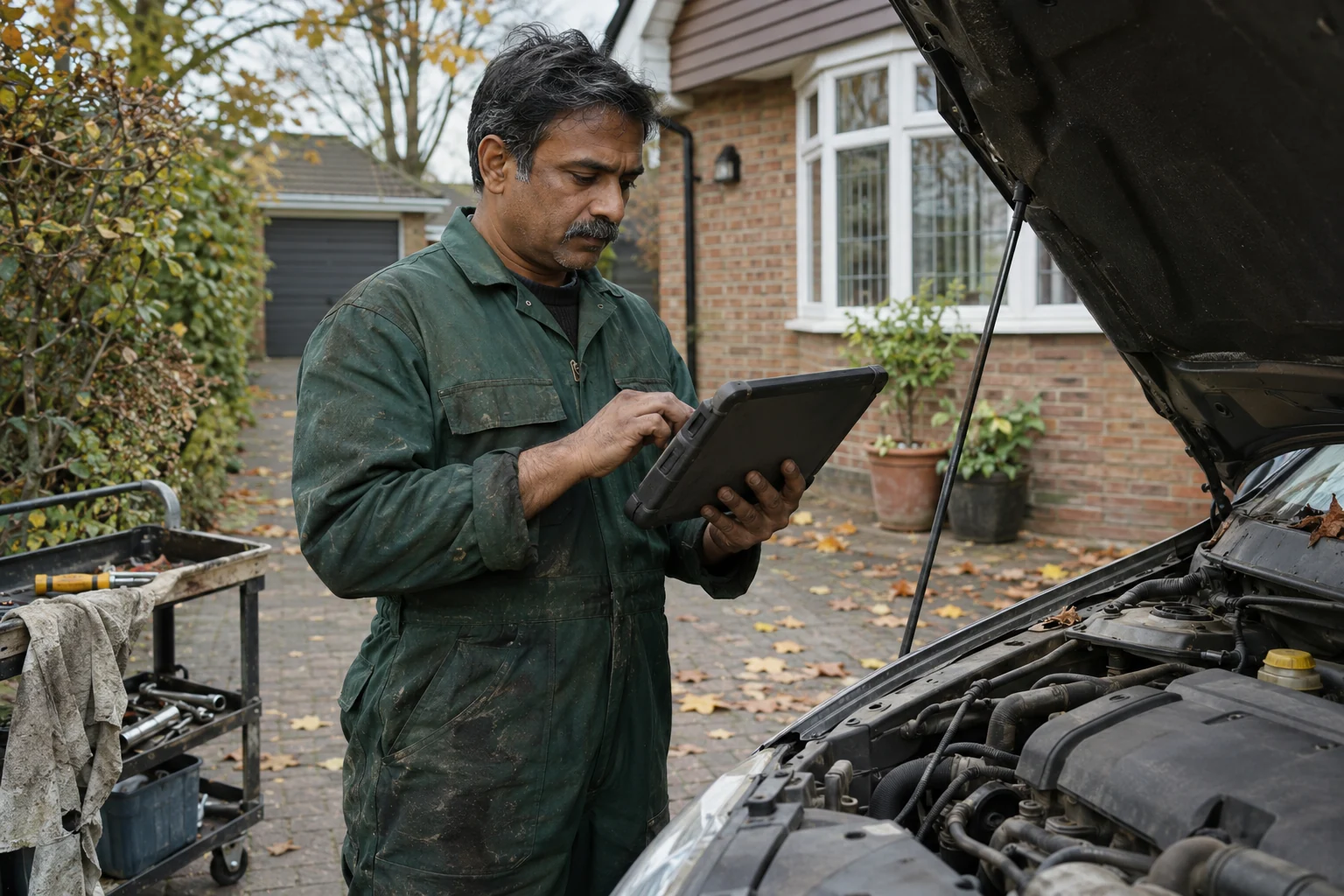
A useful mobile mechanic enquiry needs more than a name and number. You need to know which vehicle needs attention, where it is, what the customer reports and whether the work could fit your service area and on-site capabilities.
Capture the registration, make and model, exact location, reported symptoms and on-site contact. Record any time constraint, such as a van needed for deliveries, so your team can assess the request.
Collect the service requested, vehicle details, approximate kilometres, address and preferred date. Ask about parking and access using your requirements, so you can check whether the location is suitable.
Record the number and type of vehicles, depot location, work needed and when vehicles can be made available. Give the fleet contact a clear next step for discussing a service schedule.
Identify the vehicle or job reference and what the customer needs: a quote callback, a change of location or a question after a repair. Pass it to the person handling the job.
Provide the suburbs you cover, operating hours, vehicle types you work on and services you offer. Include your requirements for access and working space, plus any approved call-out or diagnostic fee information.
The assistant can explain those details and capture requests that need your assessment. It does not assume every repair can be completed at the customer's location.
Choose who receives a non-start enquiry, when a warm transfer is appropriate and what happens if nobody answers. Routine service requests can go to your booking contact without interrupting a mechanic mid-job.
Taking an after-hours call does not mean promising an after-hours visit. The assistant follows the coverage and response wording you approve.
Your supplied service lists and documents are reference information. They do not provide live access to your diary, a mechanic's location, parts stock or job status.
Illustrative written scenarios, not recordings or customer testimonials. Names, addresses, vehicle details and masked numbers are fictional. Messages show example content, not a guaranteed delivery format. The assistant asks relevant follow-up questions one at a time and confirms unclear details.
Caller: “Our Transit won't start. It just clicks, and we need it for deliveries this morning. Can someone come out?”
AI assistant: “I'm the AI assistant. I can take the details for the mechanic to check whether a visit is possible. What is the address where the van is parked?”
Follow-up: Confirm the registration and vehicle details, the location within the depot, access arrangements and the on-site contact. Record the clicking sound as the caller's description, without diagnosing a battery or starter fault.
Next step: The mechanic reviews coverage and availability, then contacts the caller to confirm whether they can attend, the applicable charges and an arrival estimate.
“Hi, this is Sofie, your AI assistant. I have Alex at a Penrose depot. Their Ford Transit won't start and they report a clicking sound. They need it for deliveries this morning. I've captured the vehicle and access details; no visit has been confirmed. Can I connect you?”
Caller: “My Yaris is due for a service. I'm working from home next Wednesday. Could you do it in the driveway?”
AI assistant: “I can pass on a service request for the team to confirm. What is the vehicle's registration?”
Follow-up: Confirm the vehicle, approximate kilometres and service requested, then the address and preferred date. Ask about the working space according to your requirements and when the customer can provide access to the vehicle.
Next step: Your team checks the service requirements, location and diary, then confirms the work, price and appointment with the customer.
Caller: “We have four delivery vans due for servicing. Could you come to our depot on Friday afternoon? We can only take two off the road at a time.”
AI assistant: “I can capture that for the service team. Where is your depot?”
Follow-up: Confirm the vehicle types, work requested, proposed service window and fleet contact. Record that only two vans can be made available together. Arrange for the vehicle list and service details to reach your team through your approved process.
Choose SMS, email or both during setup. Warm transfers are available on Premium and Business and depend on your routing rules and staff availability. If a transfer is not accepted, the assistant follows your agreed fallback and captures the callback request without promising a response time.
There247 records what the caller reports and shares your approved business information. Your mechanic decides whether on-site work is appropriate, what diagnosis or repair is needed, which parts to use and whether the vehicle is safe to drive.
A captured enquiry does not reserve a time, send a mechanic or confirm a price. The assistant does not guide roadside repairs or tell callers that a vehicle is safe to use.
During setup, agree the AI introduction and your transcription and summarisation disclosure. Collect the details needed for the enquiry; leave payment details, access codes and other sensitive information to your approved staff process.
Provide your service area, hours, supported vehicles, service options and on-site requirements. Include approved fee wording and how to handle requests outside your coverage.
Keep your existing number and check forwarding options with your provider. Agree who receives service enquiries, which calls may be transferred and what happens while your mechanic is unavailable.
Test a non-start, a home service request and a fleet enquiry. Add an out-of-area address and an unanswered transfer. Check captured details, next-step wording and actual SMS or email receipt.
Yes. Set up call answering around your workday and the forwarding options supported by your phone provider. The assistant can collect the enquiry for you to review when available. Agree when transfers are appropriate so calls do not depend on you being able to answer immediately.
It can use the suburbs and coverage rules you supply and ask for the vehicle's location. If coverage is unclear, it records the address for your team to check. It does not calculate a live travel time or promise that a mechanic is nearby.
No. It records the customer's description, such as clicking or an engine that turns over but does not start, for the mechanic to assess. It does not turn those symptoms into a diagnosis, repair instruction or parts recommendation.
It can explain approved fee information and any conditions you provide. If the price depends on the vehicle, travel or work required, your team confirms it. In this enquiry-handling setup, the assistant captures the preferred date and service request; your team confirms the appointment.
No. Configure the assistant around the services you actually offer. It can take calls outside working hours and explain your approved next step without suggesting that a mechanic is available for an immediate visit.
The seven days start once call forwarding is configured and your There247 service is activated. We help configure and test call handling first. No credit card is required to start.
Tell us where you travel, the vehicles you work on and the calls you receive. We help set up and test an AI assistant that gathers the details you need to decide the next step.
Your plan, included services, allowances and any usage or phone-provider forwarding charges are confirmed before you subscribe.
| Top |
Turn your calls into business.
New Zealand based. Helping businesses answer calls, capture enquiries and get them to the right people.
AI call answering is available 24/7. Our team usually responds to sales and setup enquiries the same New Zealand business day.
Calls to us may be answered by There247, an AI call answering service, and may be transcribed and summarised so our team can follow up.