
> Home > Use Cases > By Industry > Veterinary clinics

For veterinary clinics

AI Call Answering for Veterinary Clinics

Help the owner on the phone while your veterinary team cares for the animal in front of them. Capture routine appointment requests and reception enquiries, and follow your clinic’s approved contact route when someone needs veterinary help.

Keep your existing clinic number. Assisted setup. Your team controls appointments, prescriptions and clinical decisions.

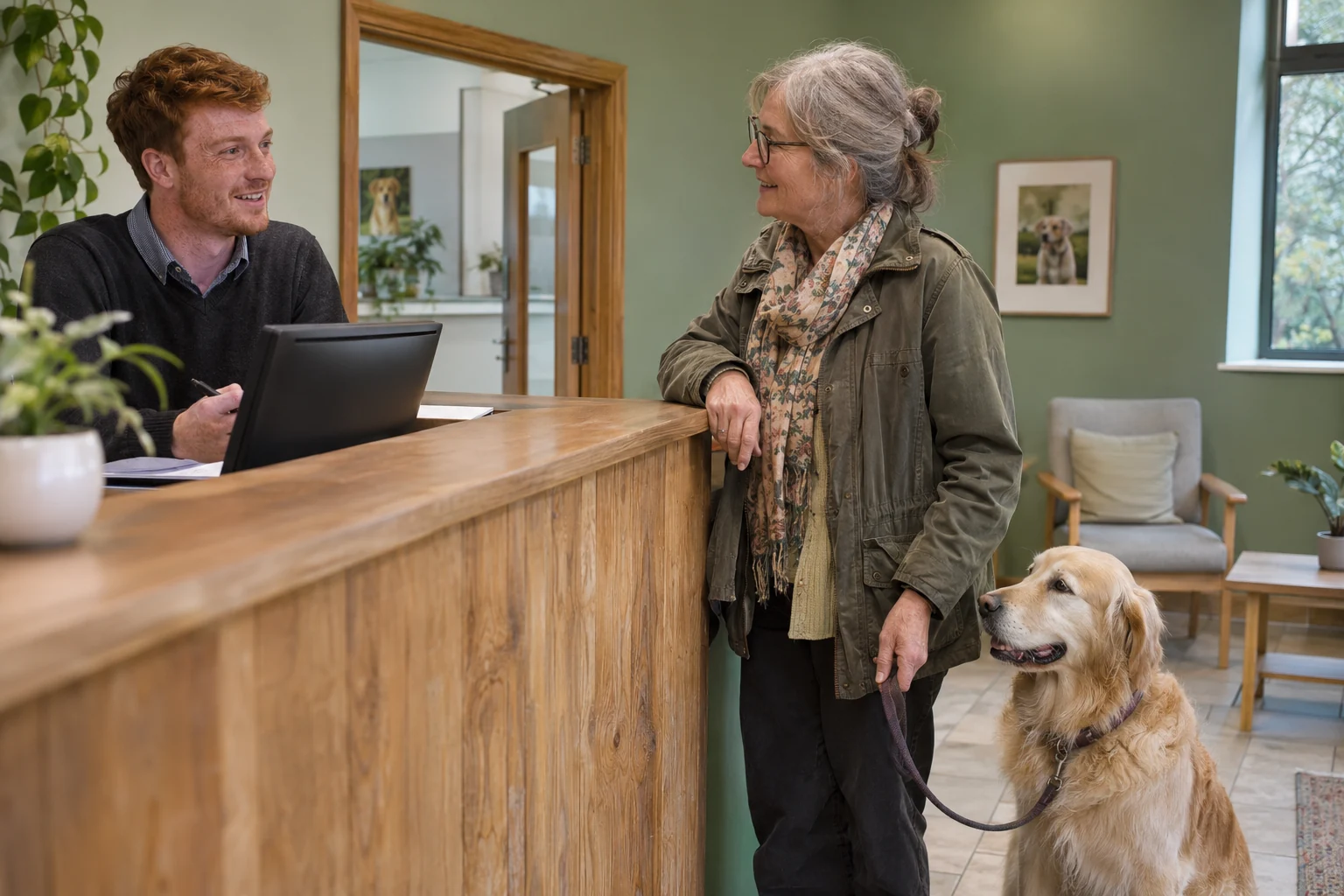
Veterinary reception team member greeting a visitor and dog

Give reception a clear starting point for each enquiry

Checking animals in, helping owners at collection and taking payments can leave little room for another ringing phone. There247 can answer during busy periods or after closing, share approved practice information and capture the administrative details your team needs.

Record both the owner’s name and the animal’s name, the species and the relevant branch. These details help reception find the right context without relying on a pet’s name alone.

Vaccination and health-check requests

Capture the owner’s request, pet name and species, preferred branch and suitable times. Your team checks the patient record and confirms the appropriate appointment; the assistant does not decide which vaccinations are due.
Appointment changes and cancellations

Record the appointment date and time supplied by the owner, the pet concerned and whether they want to cancel or reschedule. Reception verifies the booking and confirms any change.

Repeat-prescription enquiries

Capture a request for the team to discuss a repeat prescription, or explain your approved request process. Veterinary staff confirm authorisation, any review required and when an approved prescription can be collected.

New clients and different animal species

Explain your registration process and record the species the caller wants seen. Use your approved service information; do not assume every branch or vet treats birds, rabbits, reptiles, horses or farm animals.

Questions following treatment

Route concerns about an animal’s recovery, medication or care instructions to your veterinary team. Keep these separate from routine questions about collection arrangements, invoices or opening hours.

Fees, access and collection enquiries

Share approved consultation fees, payment options, parking and reception hours. Capture requests about food or other supplies without promising stock availability or that an order is ready.

Set up around your clinic’s services and contact arrangements

Information for routine enquiries

Provide branch locations, species seen, reception hours, new-client procedures, published fees and appointment policies. Include the approved process for repeat-prescription enquiries and collection requests.

A clear route to veterinary help

Specify who handles clinical calls during opening hours, the correct after-hours provider and what happens if a transfer is not accepted. Keep contact numbers, coverage arrangements and holiday instructions current.

There247 uses the information your practice approves. It does not have live access to your practice management system, appointment book, patient records, prescription approvals or stock levels.

From an owner’s call to a useful next step

Illustrative written scenarios, not recordings or client testimonials. Names and appointment details are fictional. Example summaries show the intended information; actual delivery format depends on your setup. Callback details are omitted from these public examples.

An owner responds to a vaccination reminder

Caller: “I’ve had a vaccination reminder for Milo. Could I bring him in next Tuesday afternoon?”

AI assistant: “I can pass an appointment request to reception. What type of animal is Milo?”

Caller: “He’s a dog. We normally come to your City branch.”

AI assistant: “Thank you. Do you mean Tuesday 24 November in the afternoon?”

Follow-up: Confirm the owner’s name and callback number one question at a time. Read back the branch and preferred date. Explain that reception will check the record and availability before confirming the appointment.

Capture: Owner name, pet name and species, vaccination-reminder enquiry, branch, preferred date and time, and callback details.

Next step: Reception checks Milo’s record and the appointment book, then contacts the owner to confirm arrangements.

Example SMS

Avery Morgan requests an appointment for Milo, a dog, after receiving a vaccination reminder. City branch; Tue 24 Nov afternoon preferred.

Action: Check the patient record and availability, then contact Avery. Appointment not booked.

Example email

Subject: Vaccination appointment request — Milo / Avery Morgan

Pet: Milo, dog.

Request: Owner has received a vaccination reminder and would like an appointment.

Preferred branch and time: City branch, Tuesday 24 November 2026, afternoon.

Next step: Reception to check the patient record and appointment availability, then confirm with Avery.

Status: Request captured; appointment not confirmed.

Example warm introduction when reception is available

“Hi, this is your There247 AI assistant. I have Avery Morgan on the line about Milo, their dog. Avery received a vaccination reminder and would prefer the City branch next Tuesday afternoon. Can I connect you?”

An owner asks about a repeat prescription

Caller: “Can I get another repeat of Poppy’s usual prescription and collect it on Friday?”

AI assistant: “I can ask the clinic team to contact you about that. They’ll need to confirm whether a repeat can be supplied and when it would be ready. Which branch do you normally use?”

Caller: “The Village branch. Poppy is our cat.”

Follow-up: Confirm the owner’s name, callback number and requested collection date. Follow the clinic’s approved prescription-enquiry process without asking for a medication history, suggesting a dose or promising supply.

Capture: Owner name, pet name and species, usual branch, repeat-prescription enquiry, preferred collection date and callback details.

Next step: The clinic team contacts the owner, verifies the request and confirms any approval or review needed before arranging collection.

Example SMS

Sam Taylor asks about a repeat prescription for Poppy, a cat, at the Village branch. Would prefer collection on Fri 27 Nov.

Action: Contact Sam to verify the request. Supply and collection time not confirmed.

Example email

Subject: Repeat-prescription enquiry — Poppy / Sam Taylor

Pet: Poppy, cat.

Usual branch: Village.

Request: Owner asks about another repeat of an existing prescription.

Preferred collection: Friday 27 November 2026.

Next step: Clinic team to verify the prescription request and confirm whether it can be supplied and when collection is possible.

Status: Enquiry captured; prescription not approved or prepared by the assistant.

Example warm introduction to the designated team member

“Hi, this is your There247 AI assistant. I have Sam Taylor on the line about a repeat prescription for Poppy, their cat. Sam normally uses the Village branch and would like to discuss collection on Friday. Can I connect you?”

A worried owner calls after the clinic has closed

Caller: “I’m worried about my dog and need to speak to a vet tonight.”

AI assistant: “I’m the clinic’s AI assistant. I can give you the clinic’s after-hours veterinary contact details now.”

Next action: Provide the current, clinic-approved contact instructions promptly. Where an agreed transfer route is available, offer that route. Ask only for information needed to identify the correct service or complete the handoff.

The assistant does not ask the owner to complete a routine booking enquiry before receiving the contact details. It does not assess the animal’s condition or tell the owner that it is safe to wait until morning.

If a transfer is not accepted, follow the practice’s approved alternative contact instructions. An SMS or email summary to the usual clinic is a record of the call, not a substitute for access to veterinary help.

Example introduction if an authorised after-hours transfer is accepted

“Hi, this is the AI assistant for Sample Vet. I have an owner on the line asking to speak with a vet about their dog tonight. No clinical assessment has been made. Can I connect them?”

SMS summaries are included with every plan. Email options and plan inclusion are confirmed during setup. Warm transfers are available on Premium and Business, subject to your agreed routing and staff availability. Each practice must approve and test its own after-hours contact arrangements.

Support your team without making veterinary decisions

Administrative requests stay clearly labelled

An appointment request is not a confirmed booking. A repeat-prescription enquiry is not approval to dispense. A collection request does not mean an animal, medication or product is ready to collect.

Clinical questions go to veterinary staff

The assistant does not diagnose, assess urgency, recommend medicines or doses, interpret results or decide whether an animal needs treatment. It follows your approved contact instructions for illness, injury and concerns after treatment.

Collect only the information needed for the enquiry and route summaries to authorised recipients. Questions about patient records, treatment updates or account details should follow your practice’s staff-led verification process.

Set up around your practice’s daily workload

1. Prepare your practice information

Gather branch details, species seen, reception hours, published fees, appointment policies and prescription-enquiry procedures. Confirm who maintains this information and the after-hours contact details.

2. Agree coverage and contact routes

Choose when There247 answers, who receives routine messages and when transfers are appropriate. Approve the AI greeting, transcription and summarisation notice, clinical contact instructions and unanswered-transfer fallback.

3. Test calls your team recognises

Test a vaccination request, a cancellation, a repeat-prescription enquiry, a species your clinic does not treat and an after-hours request for veterinary help. Check the conversation, handoff and notification delivery.

Questions from veterinary practices

Can There247 book or change appointments in our veterinary software?

The current service captures requests for your team to action. It does not read or update your live appointment book or patient records. Reception checks the details, makes any agreed change and confirms the outcome with the owner.

Can it handle calls about repeat prescriptions?

It can explain your approved request process and capture an enquiry for the clinic team. It does not authorise a repeat, recommend medication, change a dose or confirm stock and collection availability.

Can it tell an owner whether their animal needs urgent treatment?

No. Clinical assessment belongs with veterinary professionals. The assistant follows your approved veterinary contact route without delaying it to complete a routine enquiry or reassuring the owner that waiting is safe.

What if our after-hours provider is a different clinic?

Provide that service’s approved contact instructions and keep them current. Configure transfers only where agreed and supported, with a clear alternative if the transfer is not accepted. The assistant must not imply that your own premises are open or that the receiving clinic has confirmed availability.

Can it handle enquiries about different animal species?

It can record the species and explain the services you have approved for each branch. If suitability or availability is unclear, your team confirms it. Equine, farm-animal and companion-animal services should have their own contact instructions where these differ.

Can we keep our number and use it only when reception is busy?

Yes. Agree the coverage you need and check the forwarding options supported by your phone provider. We help configure and test the actual routing during assisted setup.

When does our seven-day free trial start?

Your seven days begin once forwarding is configured and your There247 service is activated. We help configure and test call handling first. No credit card is required to start.

Try There247 with the calls your veterinary team receives

Tell us when reception is busiest, which enquiries take up time and how owners should reach veterinary help. We help configure and test the service around your practice’s procedures.

Your plan, included services, allowances and any usage or phone-provider forwarding charges are confirmed before you subscribe.

Top